Bulk Import Videos
Importing from: {{ bulkTargetUrl }}
Scanning YouTube...
Fetching playlist data, filtering duplicates, and retrieving accurate durations.
{{ video.title }}
Playing in Picture-in-Picture
True multitasking is active. The floating player stays on top across all your desktop apps and tabs.
{{ currentShow.title }}
Off Air
Checking signal feed...
Network Admin
{{ channelFormTitle }}
Google's public API keys restrict image generation. However, Petey Vee wrote a professional image prompt for you! Copy it below and go to the official Gemini website to generate it natively.
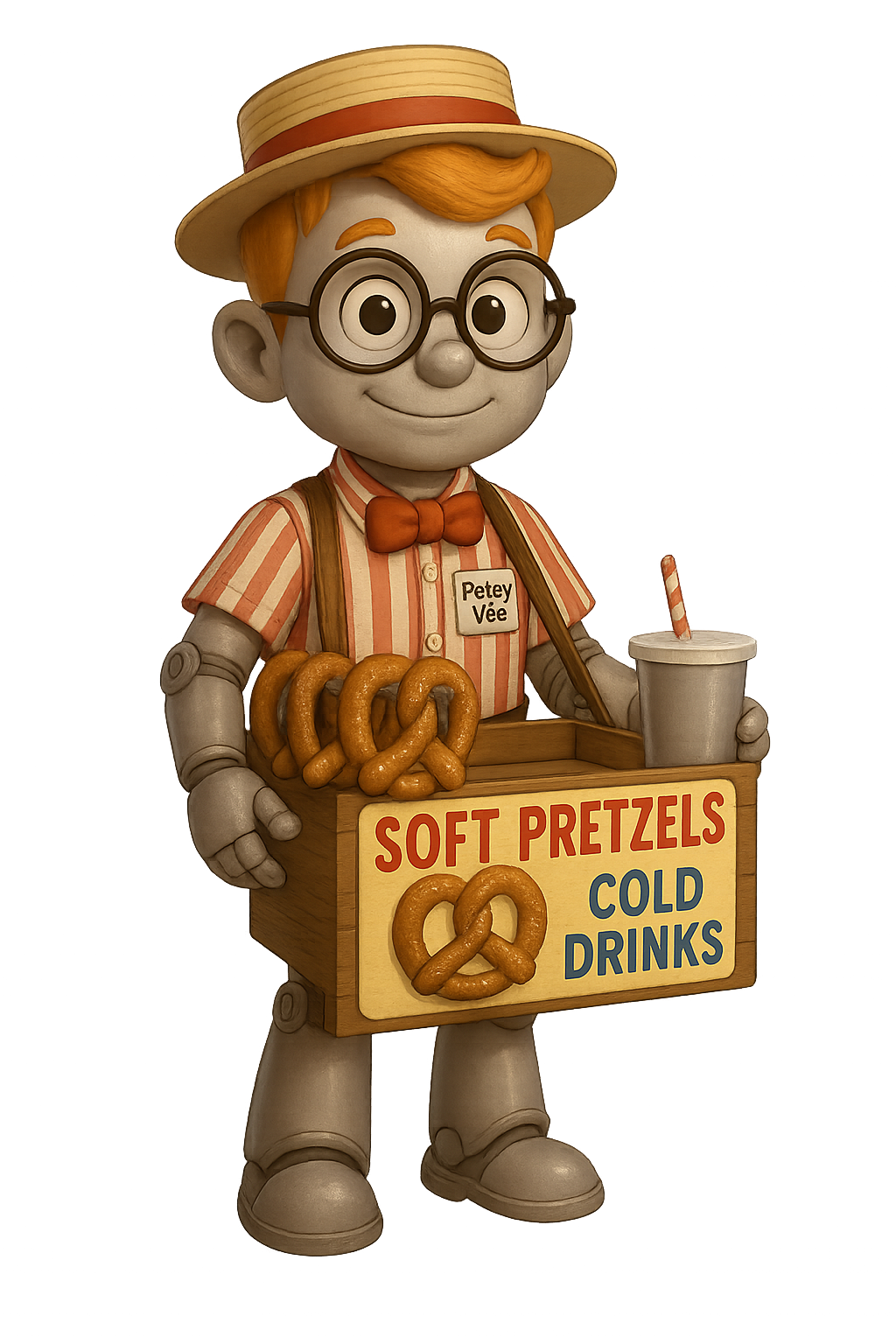
Petey Vee Auto-Pilot
Describe your dream channel and Petey will instantly generate a name, description, tags, and a custom logo!
Google's public API keys restrict image generation. However, Petey Vee wrote a professional image prompt for you! Copy it below and go to the official Gemini website to generate it natively.
Existing Channels
{{ adminSortedChannels.length }} Channels | {{ totalNetworkTime }}Manage Channel Lineups
{{ l.name }}
Default SetReorder Channels
Drag and drop to rearrange. Changes save automatically.
Add Show to Loop
Paste YouTube URLs (one per line). Times will default to 30min (edit below).
Paste or drag-and-drop a standard YouTube URL, Playlist, or Channel Link below. Petey Vee will automatically fetch the data and assign videos to their perfect channels!
Manage Loop
Cloud Sync (Dropbox)
Automatically backup your data to Dropbox for sync across devices.
Export Data
Save your entire network configuration.
Or select specific channels:
Import Data
Restore from a backup file.
*Merge adds missing channels and all shows. *Replace wipes current data.
App Personalization
This replaces 'YRREJ' in the logo (e.g., ByronTV). Styles and subtitles remain the same.
Petey Vee
Network AI CoreYour API key is stored locally in your browser and never sent to our servers. Be sure to use a secure Google AI Studio key.
Providing your own YouTube API key ensures the network can always pull the latest channel feeds at zero cost to the provider. The key stays on your device.
Why two separate keys?
To fix a security vulnerability known as the "Skeleton Key" loophole, Google now recommends separating your Generative Language (AI) key from your YouTube (Data) key.
By splitting them, you ensure that if your YouTube key is ever leaked while browsing, your AI account (and private data) remains locked and safe. It's the "Separation of Powers" that keeps your network secure!
Most Watched Channels
Delete Channel?
Are you absolutely sure you want to delete {{ channelToDelete.name }}?
This will wipe the channel from all lineups and PERMANENTLY DELETE all shows inside it. This action cannot be undone.
Petey Vee
Watching: Welcome